
Home

Payload CMS Template
Visit the admin dashboard to begin managing this site's content.
The code for this template is completely open-source and can be found on our Github.
If you’re looking for a full ecommerce template, you can visit Payload Ecommerce.
Below you have examples of blocks you can build.
Core features (Content Block)
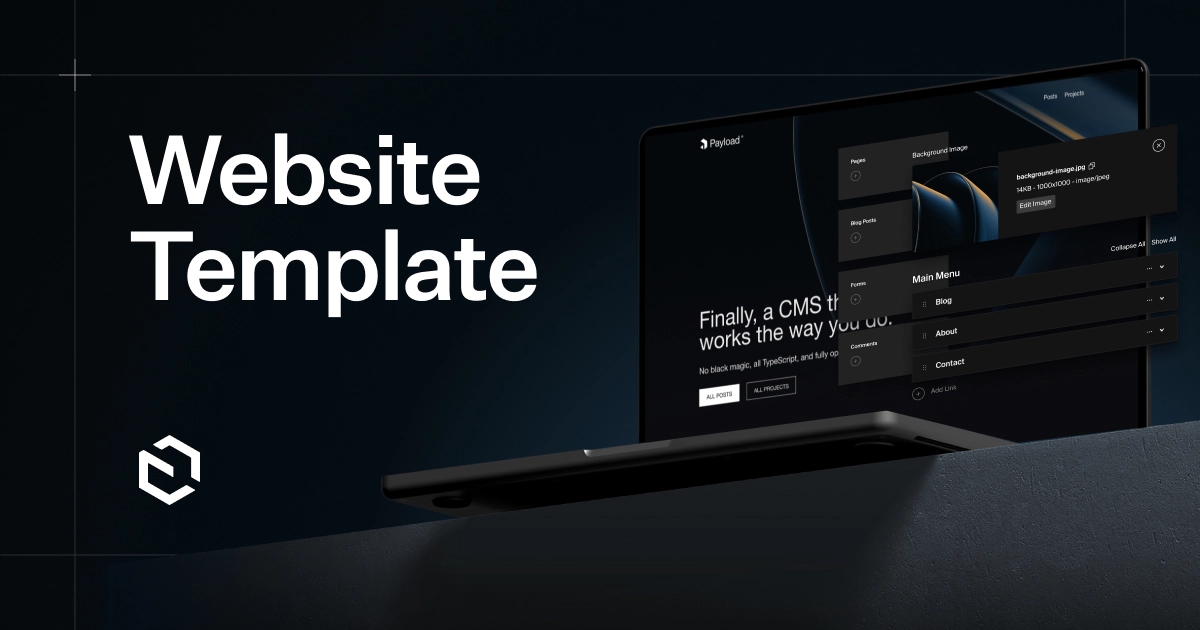
Admin Dashboard
Manage this site's pages and posts from the admin dashboard.
Preview
Using versions, drafts, and preview, editors can review and share their changes before publishing them.
Page Builder
Custom page builder allows you to create unique page, post, and project layouts for any type of content.
SEO
Editors have complete control over SEO data and site content directly from the admin dashboard.
Dark Mode
Users will experience this site in their preferred color scheme and each block can be inverted.
Recent posts(Archive Block)
The posts below are displayed in an "Archive" layout building block which is an extremely powerful way to display documents on a page. It can be auto-populated by collection or by category, or posts can be individually selected. Pagination controls will automatically appear if the number of results exceeds the number of items per page.



This is a call to action(CTA)
This is a custom layout building block configured in the admin dashboard.

Gallery Block




Frequently Asked Questions(FAQs)
What is this project?
This is a flexible CMS template for building a content website and blog, powered by Payload CMS and Next.js.
Can I manage content from the admin panel?
Yes, all pages, blocks, and content can be edited directly from the Payload admin dashboard.
Is this suitable for production use?
Yes, the project is designed to be production-ready with proper structure, SEO support, and scalability.
Can I add my own blocks?
Absolutely. You can create and register custom blocks to extend the layout system as needed.
Does it support multiple languages?
The template is ready to be extended for multi-language support if needed.